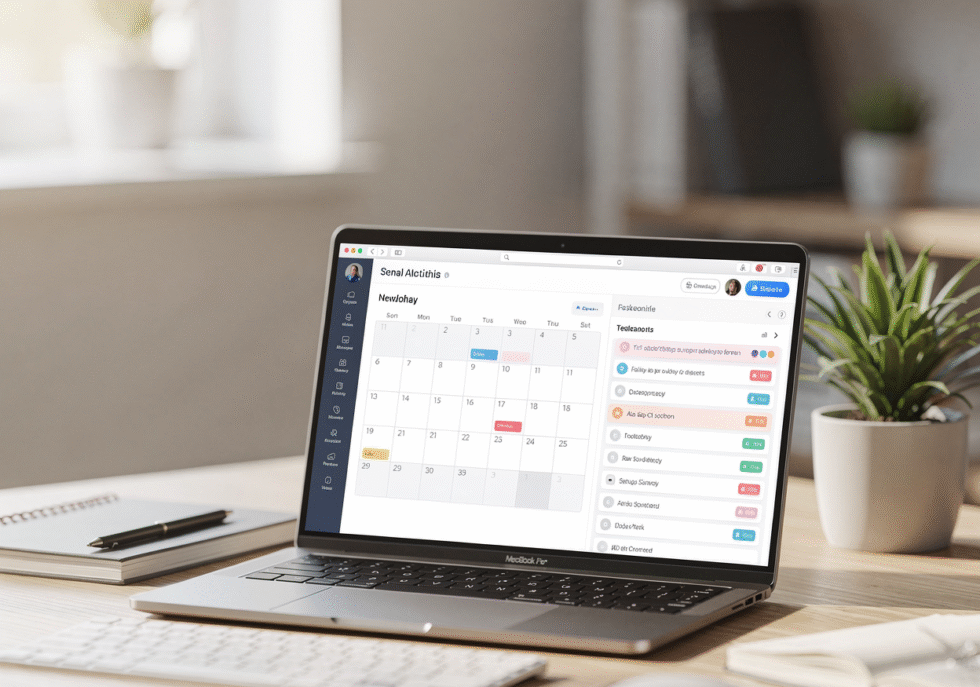
Google just rolled out task scheduling with busy-status blocking across Calendar. You can now protect focus time without creating fake meetings.
The feature launched November 6 for Rapid Release domains and hits all accounts by mid-December. It addresses a real pain point:professionals scheduling dummy meetings just to reserve calendar space for actual work.
But here’s the question most teams skip: Does merging your task list with your calendar actually solve the problem, or does it just move the mess to a different screen?
The Real Cost Isn't Fragmentation—It's Context Switching
Google’s update helps you block time. That’s useful.
But blocking time doesn’t stop the interruptions that cause the switching in the first place. Your calendar can say “busy” while Slack pings you 47 times, your inbox floods, and your CRM sits untouched because nobody knows whose turn it is to follow up.
The problem isn’t that your tools don’t talk to each other. The problem is that your workflow has too many handoffs, unclear ownership, and no system for what happens next.
When Consolidation Actually Works
Professionals using 16 or more apps lose nearly six hours per week to fragmented workflows. That’s real.
But consolidation only helps when it eliminates a handoff or removes a decision point.
Here’s the test: Can your team see pipeline, capacity, and next actions in under 60 seconds? If your “integrated” system still requires three tabs, two logins, and a Slack thread to answer “Who’s following up with this lead?”—you haven’t solved anything.
Good integration removes friction. Bad integration creates a Swiss Army knife that does everything poorly.
We see this weekly. A founder shows us their stack: HubSpot for CRM, Asana for tasks, Google Calendar for meetings, Slack for updates, and a spreadsheet to track what’s actually happening. They want everything “integrated.”
The real fix? Automate the follow-ups. Consolidate the CRM. Kill the spreadsheet. Build one dashboard that shows what’s working and what’s not.
What to Audit Before You Add Another Feature
Before you celebrate calendar-task integration, run this diagnostic:
Map one deal from lead to close. Count every handoff. Every time information moves from one person, tool, or system to another—that’s a point of failure.
Time your next-action lookup. Pick a random lead. How long does it take to see the last touch, the next step, and who owns it? If it’s more than 60 seconds, your system is costing you speed.
Check your “busy” time. Look at last week’s calendar. How much of your blocked focus time actually stayed protected? If meetings still landed on top of tasks, the problem isn’t the feature—it’s your boundaries.
Measure task completion rates. Research shows only 53.5% of planned tasks get completed weekly. Individuals average just 4.2 hours per day on actual task work. If your task list lives in your calendar but you’re still underwater, the issue is prioritization, not placement.
The Questions That Matter More Than Integration
What should we automate before we integrate?
Missed-call text-back. Follow-up sequences. Lead triage. Appointment reminders. These don’t need a human or a calendar block—they need a system that runs whether you’re in a meeting or not.
What handoff costs us the most speed?
Sales waits on marketing for content. Marketing waits on sales for feedback. Ops waits on both for clean data. Find the slowest handoff and eliminate it.
What’s hiding our capacity problem?
Meetings increased 69.7% since February 2020. The average professional now sits through 25.6 meetings per week. The busiest hit 39.3 meetings—a 37.9% jump in four years.
Blocking task time on your calendar doesn’t fix a calendar that’s 80% meetings. You need fewer meetings, not better task blocks.
What We Do Instead
We don’t start with integration. We start with an audit.
Blueprint phase: Map your current workflow. Identify every tool, every handoff, every decision point. Measure how long it takes to move a lead through your pipeline.
Build phase: Automate what’s repeatable. Consolidate what’s fragmented. Install AI agents for follow-ups, booking, and triage. Set up one dashboard that shows pipeline, capacity, and next actions.
Run phase: Measure weekly. Track close rates, response times, and task completion. Improve what’s working. Kill what’s not.
One client came to us with seven tools and a two-day response time. We consolidated to three systems, automated follow-ups, and built a single dashboard. Response time dropped to two hours. Close rate jumped 23% in 30 days.
The fix wasn’t integration. The fix was eliminating the chaos that made integration necessary in the first place.
What to Do This Week
Pick one handoff that slows you down. Sales to ops. Marketing to sales. Inquiry to follow-up.
Map it. Time it. Ask: Can we automate this? Can we eliminate this? Can we consolidate the tools involved?
If the answer is yes, do that before you add another feature to your calendar.
Real progress happens when your systems remove decisions, not when they give you more places to manage the same chaos.
Google’s task feature is useful. But useful doesn’t mean sufficient.
If you’re still switching between tabs to see what’s next, you don’t have an integration problem. You have a workflow problem.
Fix the workflow. Then the tools fall into place.
Ready to Fix the Workflow Instead of Adding Yet Another Tool?
If your team keeps adding features but still loses time to handoffs, interruptions, and unclear next steps, the problem isn’t integration — it’s operations.
At Business Admin Pro, we help businesses audit workflows, reduce tool sprawl, automate handoffs, and build systems that actually protect focus time and execution speed.
👉 Book a Blueprint call to identify where your workflow is breaking and what should be automated or eliminated first:
Or learn more at The Firm Collaborative’s website.
Co-authored with Business Admin Pro, supporting operational systems, workflow design, and execution enablement across The Firm Collaborative.