I’ve seen dozens of companies go through the same situation: smart people, good systems, solid training. But revenue stalls anyway.
The problem isn’t effort. It’s information chaos.
Your team spends 1.8 hours every day searching for the information they need to do their jobs. That’s nearly a quarter of their workweek, gone. Not on calls, not on deals, not on delivery. Just hunting through Slack threads, email chains, shared drives, and that one Google Doc someone swears they sent last month.
One out of every five employees is perpetually off searching instead of contributing value.
The Hidden Tax on Growth
Recent data shows the average employee now spends 3.6 hours daily searching for information, up a full hour from last year. For hospital workers, it’s 65 hours annually wasted just trying to find what they need in company systems.
This isn’t a tech problem. It’s a knowledge enablement problem.
Here’s what happens when information lives everywhere and nowhere:
Sales reps can’t find the latest pricing or case studies during live calls
Support teams give inconsistent answers because SOPs are buried in three different tools
New hires take 44% longer to ramp because training materials are scattered
Managers repeat the same explanations because there’s no single source of truth
The cost compounds. 42% of employees spend over an hour daily just searching. That’s $50,000+ per year in wasted salary for every mid-level employee on your team.
Why Most Knowledge Systems Fail
I see two patterns that kill knowledge enablement:
Pattern 1: Tool Sprawl
36% of companies use three or more knowledge management tools. Another 31% aren’t even sure how many they have. Your team toggles between Notion, Confluence, SharePoint, Google Drive, Dropbox, and six Slack channels trying to find one answer.
60% of employees search within four or more data sources every single day. When people have to check multiple places, they stop checking altogether. They guess, ask a coworker, or just move forward with incomplete information.
Pattern 2: The “Build It and They’ll Come” Myth
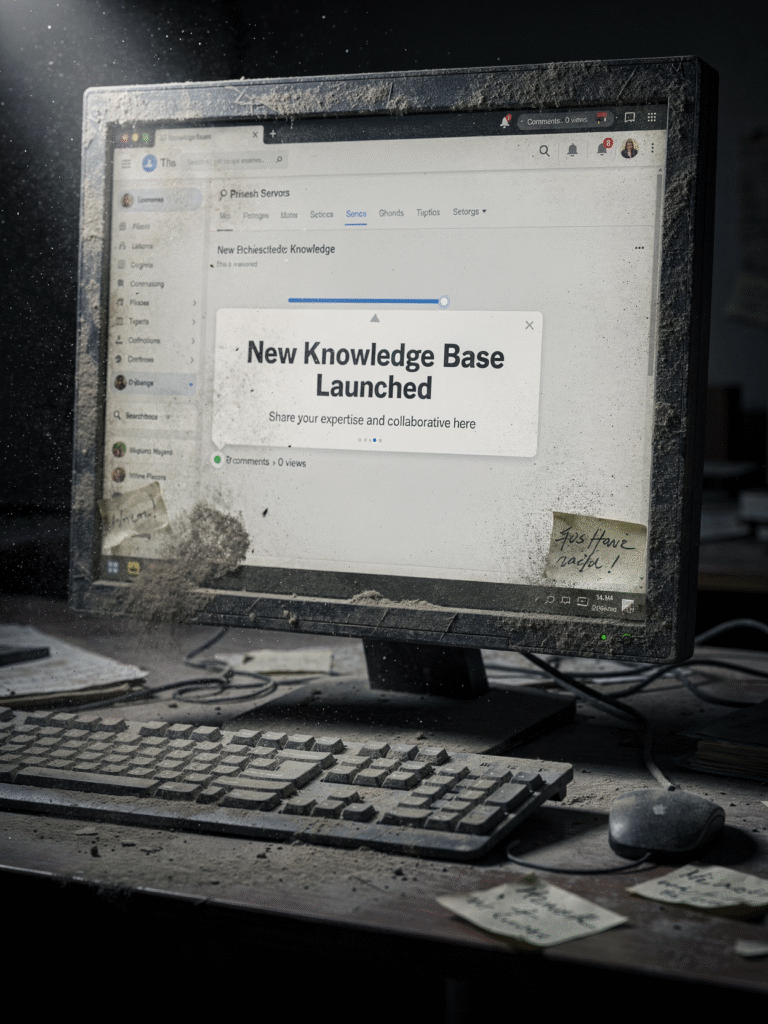
You launch a knowledge base. You migrate all the docs. You announce it in the all-hands. Three months later, nobody uses it.
Why? Because you built it for the company, not for the employee.
If your knowledge system requires three clicks, a search query, and a prayer to find the answer, your team will text their manager instead. Every time.
What Employee-Centric Knowledge Actually Looks Like
Organizations that integrate their knowledge systems see a 25% increase in team productivity. Companies with working knowledge management experience 25% higher profitability. The ROI is 300-500% in year one.
But those wins come from a specific approach:
Make it findable in under 10 seconds.
If someone has to remember where something lives, you’ve already lost. Search needs to work like Google—type the question, get the answer. No folders, no tags, no “check the wiki.”
Build it into the workflow.
Your CRM should surface the right playbook at the right stage. Your chat tool should auto-suggest the answer when someone asks a common question. Your onboarding checklist should link directly to the resources, not to a directory of directories.
Keep it current without heroic effort.
Knowledge dies when it’s stale. If updating a doc requires three approvals and a Jira ticket, it won’t get updated. Assign owners. Set review cadences. Automate reminders. Make maintenance part of the job, not a side project.
Measure what matters.
Track search-to-answer time, repeat questions, and onboarding speed. If new hires still ask the same five questions in week two, your knowledge system isn’t working.
The Practical Playbook
Here’s what I recommend to clients who want to fix this fast:
Week 1: Audit the chaos.
List every place your team stores information. Ask five people where they’d find the answer to three common questions. If you get five different answers, you have a fragmentation problem.
Week 2: Pick one system.
Consolidate into a single knowledge platform that integrates with your CRM, chat tool, and project management system. If your team has to leave their workflow to find an answer, adoption will fail.
Week 3: Migrate the top 20%.
Don’t try to move everything. Start with the 20% of content that answers 80% of questions: pricing, onboarding steps, common objections, SOPs for recurring tasks, troubleshooting guides.
Week 4: Train and enforce.
Show the team how to search, how to add content, and how to flag outdated info. Make it the default answer: “Check the knowledge base first, then ask if it’s not there.”
Month 2: Add AI assist.
38% of knowledge management teams now use AI to recommend content. Install a chat agent that answers common questions instantly—missed-call text-back, follow-up sequences, FAQ routing. A self-service interaction costs pennies; a live support interaction costs $13.
The Real Win
When you fix knowledge enablement, three things happen:
Your team moves faster. Companies with accessible knowledge systems save employees up to 35% of their time. That’s nearly 14 hours per week per person—redirected to revenue work.
Your people stay longer. 70% of employees are more engaged in knowledge-sharing environments. Companies with strong enablement see 30% higher retention rates and 40% less turnover.
Your training scales. Well-organized knowledge bases improve training efficiency by 33%. New hires ramp faster, managers stop repeating themselves, and your best practices actually get practiced.
You don’t need a massive platform or a six-month implementation. You need a clear system, a single source of truth, and the discipline to keep it current.
Start with the questions your team asks every day. Build the answers into the tools they already use. Measure how fast they find what they need.
That’s employee-centric knowledge enablement. And it’s the difference between a team that hunts and a team that ships.
What to Do This Week
Pick three questions your team asks repeatedly. Document the answers in one place. Share the link in your next standup. Track how many times it gets used.
If nobody clicks it, your knowledge system isn’t the problem—your delivery is.
Fix the access, then scale the content.
Let’s build the next win.
This is the kind of operational friction we help teams fix every day.
At The Firm Collaborative, our partners work together to remove bottlenecks across sales, marketing, and operations.
Business Admin Pro focuses specifically on the systems behind the scenes — documentation, SOPs, knowledge bases, and day-to-day workflows — so teams can move faster without constantly stopping to ask questions.